
 Call Now
Microsoft Power Apps & Power Automate (cloud) Online Course
Learn Low code app development & workflow automation. Get Free SharePoint Bonus module
December
Next batch starting date
Students
₹17,000
19th December


Try Before You Buy !
we offer a detailed demo session to help you assess if the course meets your expectations

We encourage you to attend the demo and review all course details before enrolling to ensure it aligns with your needs.
Expert Instructors
Learn from industry experts with over 10+ years of experience.
Comprehensive Curriculum
Covers all essential aspects of PowerApps and Power Automate, including hands-on exercises.
Real-Time Projects
Gain practical experience with real-world projects and scenarios.
Key Highlights of the Course

Comprehensive Training
Receive in-depth instruction on PowerApps, Power Automate (Cloud), and SharePoint Online, covering essential concepts and practical applications.

Expert Instructor
Participate in live, real-time scenarios during class to apply your learning in practical situations and build confidence in your skills.

Real-Time Scenarios
Participate in live, real-time scenarios during class to apply your learning in practical situations and build confidence in your skills.

Free SharePoint Training
Enjoy complimentary SharePoint Online training (only for 1st 10 registrations), adding extra value and expanding your skills in content management and collaboration.
What will you learn in the PowerApps and Automate course?

Power Platform Essentials
Gain a solid understanding of the core components and services, including environments and solutions, to navigate and utilize the Power Platform effectively.

App Development
Create custom applications using both Canvas and Model-Driven approaches, designed to meet specific business needs and enhance user engagement.

Workflow Automation
Automate business processes by integrating and managing flows with PowerApps, SharePoint, and Outlook to boost productivity and efficiency.

Licensing and Security
Learn about various licensing options, security roles, and permissions to manage user access and ensure data protection.

Dataverse Management
Master the creation and management of tables, columns, and relationships within Dataverse for efficient data handling and integration.

CRUD Operations
Perform essential data operations—Create, Read, Update, and Delete—across Dataverse, Excel, and SharePoint for seamless data management.

Flows Management
Understand and manage different types of flows, including Instant, Automated, and Cloud Flows, to automate tasks and streamline processes.

Introduction to Power Pages, Power Virtual Agents, and Power BI
Receive a foundational overview of Power Pages, Power Virtual Agents, and Power BI. Note that detailed coverage of Power Automate Desktop is not included in this course.
What will you learn in the BONUS SharePoint Online Course?

Introduction to SharePoint
Understand SharePoint’s features, versions, and core functionalities.

SharePoint Online vs. On-Premise
Learn the differences and benefits between SharePoint Online and on-premise
versions.

SharePoint Hierarchy and Structure
Master the organization of SharePoint sites, subsites, lists, and libraries.

Content Management and Customization
Utilize site columns, content types, and views, and learn to format lists, set up alerts, and apply validations.

Permissions and Admin Center
Implement and manage permissions at various levels and navigate the SharePoint Admin Center, including Hub Sites and site-level settings.

Term Store, Policies, and API Access
Understand term store management, content type policies, and gain insights into deployment and API access for integration and automation.
Best Online Learning Platform
How will this online course help You?
- Enhanced Skills
- Increased Productivity
- Career Advancement
- Real-World Applications

Start Learning
How does this course work?
Live Online Lectures
Participate in interactive, real-time sessions with instructors.
Hands-On Training
Engage in practical exercises to apply your learning.
Course Duration
Approximately 38 hours, covering essential aspects of PowerApps, Power Automate & SHAREPOINT
ONLINE.
Recording Access
View recorded sessions for up to 1 year for ongoing learning and reference.
Get Certified
certificate of completion will be awarded upon successfully finishing the course.
Who should attend this course?

IT and Software Development Professionals
Enhance your skills in PowerApps and Power Automate development.

Beginners and Intermediates
Ideal for those new to these technologies or with some experience in the field.

Freshers
A valuable opportunity for those starting a career in low-code development.

Managers and Senior Managers
Learn to create custom applications and improve business processes with low-code solutions.

Infrastructure Teams
Gain insights into integrating and automating systems effectively using PowerApps and Power Automate.

Non-IT Professionals
Accessible for anyone interested in learning low-code development, regardless of technical background.
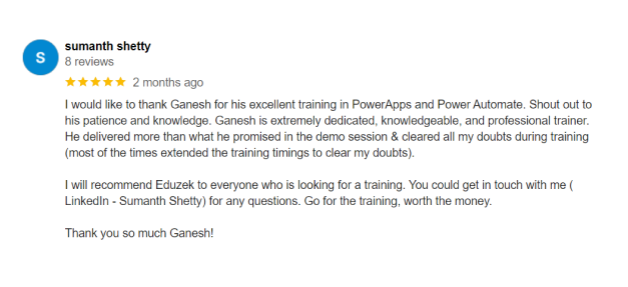
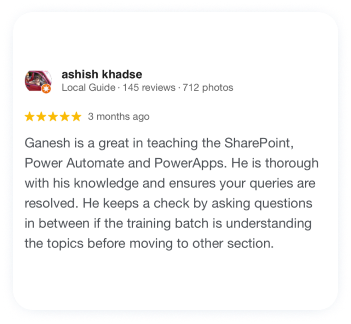
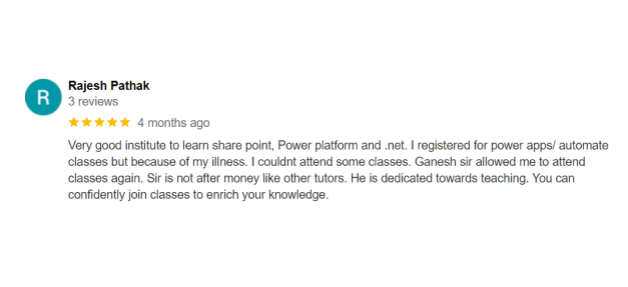
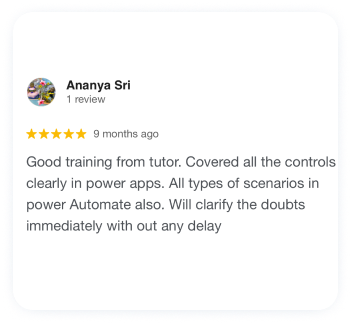
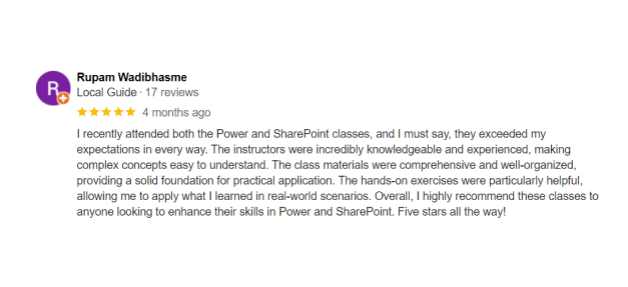
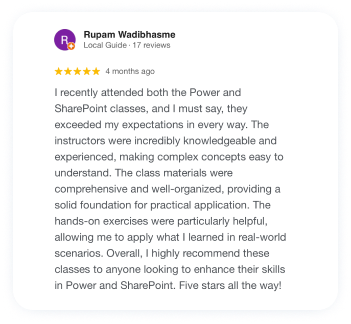
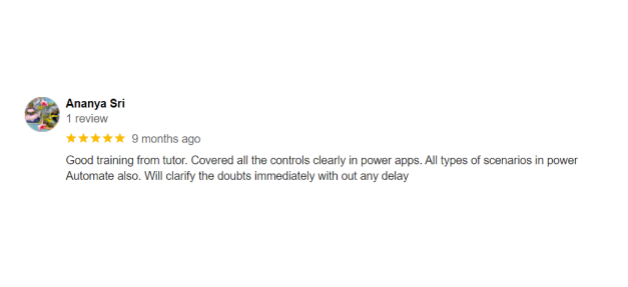
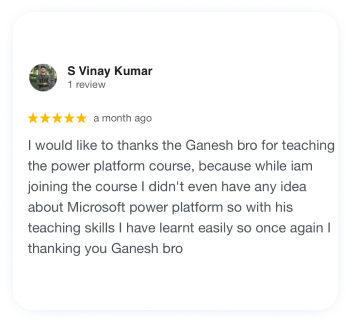
Google Review


About US
Eduzek is dedicated to empowering professionals and students by offering high-quality courses that bridge the gap between education and career success. With a focus on practical learning and real-world applications, our expert-led training programs are designed to equip you with the skills and knowledge needed to excel in your field. Whether you’re looking to advance your career or start a new one, Eduzek is your trusted partner in professional development. Join us and take the next step towards achieving your goals.
FAQ
What is the duration of the course?
The course duration is approximately 30 hours, covering essential aspects of PowerApps, Power Automate, and SharePoint Online.
What is the course format?
The course includes live online lectures with real-time examples, hands-on training, and practical exercises. You will also have access to recorded sessions for up to 1 year.
Do I need any prior experience to join the course?
No prior experience is necessary. The course is designed to accommodate both beginners and those with some experience in related fields.
How can I get my doubts cleared?
You can ask questions during live sessions, or reach out to trainers directly for additional clarification on any doubts.
What if I miss a live session?
Recorded sessions will be available for you to review at your convenience, and you can
always ask for help if you have any questions.
Will I receive a certificate after completing the course?
Yes, a certificate of completion will be awarded upon successfully finishing the course.
Can I get a refund if I’m not satisfied with the course?
“Please note that we offer a detailed demo session to help you assess if the course meets your expectations. As such, we do not provide refunds once the course has commenced. We encourage you to attend the demo and review all course details before enrolling to ensure it aligns with your needs.
Who will be teaching the course?
The course is taught by trainers with a minimum of 14+ years of industry experience, part of Eduzek’s team of over 350 top trainers across India.
